Five account types
Standard and Standard Cent use spread-only pricing. Pro, Raw Spread and Zero provide different combinations of spreads, commissions and execution.
 Exness trading informationRegister / Log in
Exness provides forex and CFD trading through MetaTrader 4, MetaTrader 5, Exness Terminal and mobile applications. Traders can choose between five live account types with spread-only or spread-plus-commission pricing. This independent overview explains the main options before registration.
Standard and Standard Cent use spread-only pricing. Pro, Raw Spread and Zero provide different combinations of spreads, commissions and execution.
Trading is available through MetaTrader 4, MetaTrader 5, Exness Terminal and mobile applications, subject to account compatibility.
A demo account and trading calculator can be used to learn order controls and estimate margin, pip value and trading costs before using live funds.
| Account | Spread from | Commission | Execution | Initial deposit |
|---|---|---|---|---|
| Standard | 0.2 pips | None | Market | Depends on payment method |
| Standard Cent | 0.3 pips | None | Market | Depends on payment method |
| Pro | 0.1 pips | None | Instant or market | From USD 200, region dependent |
| Raw Spread | 0.0 pips | Up to USD 3.50 per side per lot | Market | From USD 200, region dependent |
| Zero | 0.0 pips | From USD 0.05 per side per lot | Market | From USD 200, region dependent |
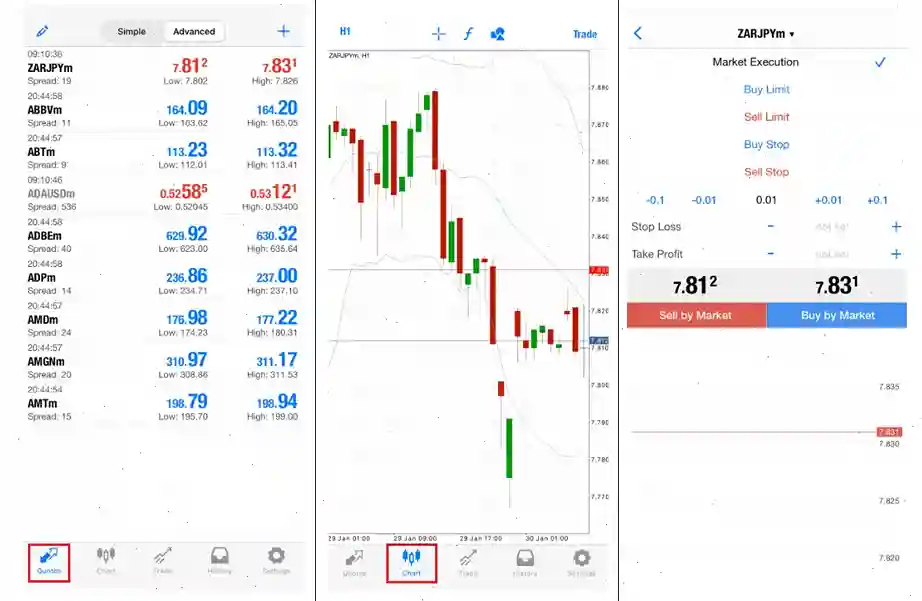
A familiar forex platform with Expert Advisors, custom indicators and desktop or mobile access.
Open page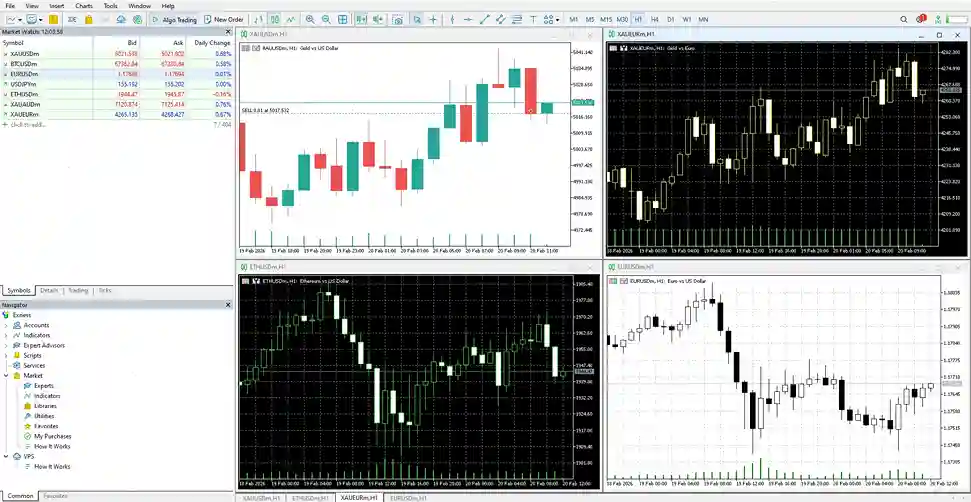
A multi-asset platform with additional timeframes, order types and analytical tools.
Open page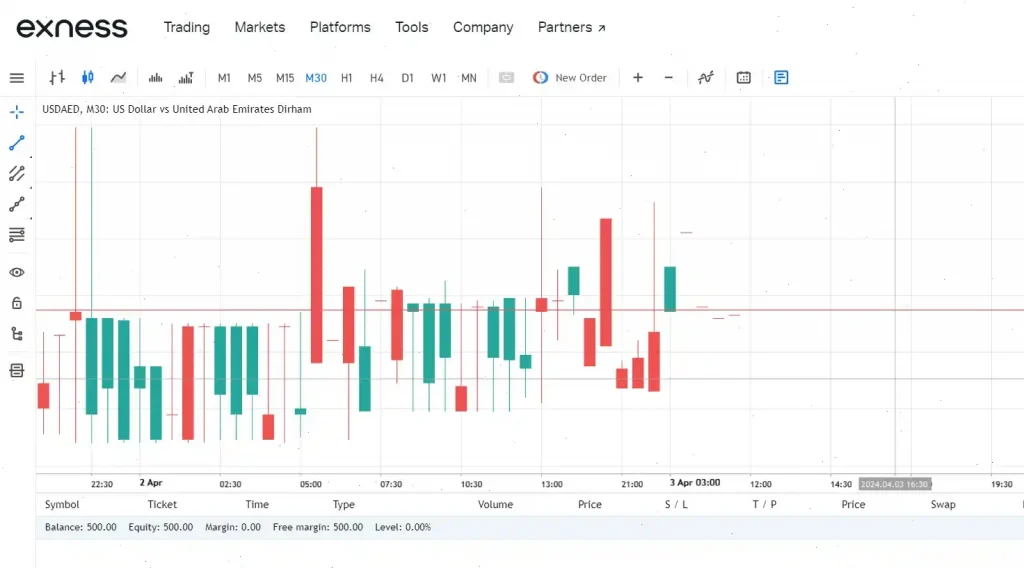
Browser-based access for charts, orders and position management without a desktop installation.
Open pageOpen the official registration destination, select your country of residence and enter your email address and password.
Establish the requested contact details and submit validation information through the official Personal Area.
Choose the account type, platform, account currency and leverage, then review the available deposit methods.
Deposits and withdrawals are started inside the Personal Area. Each available method shows its minimum and maximum amount, supported currency, fee and estimated processing time. Payment accounts must normally be held in the Exness account holder’s name.
Open pageCFDs are leveraged and carry substantial risk of loss. You can lose your trading capital. Availability, terms, fees, legal entities and payment methods vary. Validate current terms on the official destination.
CFDs are leveraged and carry substantial risk of loss. You can lose your trading capital. Availability, terms, fees, legal entities and payment methods vary. Validate current terms on the official destination.
Read the risk disclosureExness supports MetaTrader 4, MetaTrader 5, Exness Terminal and mobile applications. Platform availability depends on the selected trading account.
Standard and Standard Cent accounts do not have a fixed broker-wide minimum first deposit. The effective minimum depends on the payment method and registered region; professional accounts start from USD 200 in many regions.
Standard, Standard Cent and Pro accounts do not charge a separate trading commission. Their trading cost is primarily included in the spread and any applicable swap.
Yes. Demo accounts use virtual funds and are available for the main account types except Standard Cent. Demo results do not reproduce every aspect of live execution.
Product categories and published starting conditions reviewed on 2026-09-11. Account-specific availability and live trading conditions can differ.
Open the Exness educational trading calculator →
Manual educational examples, not quotes or recommendations. Capital can be lost. Values stay in this browser page.
Your browser local time:
UTC:
Clock only, not market-open status. Verify instrument hours and holiday schedules in the official terminal.
A demo account lets you test the platform with virtual funds, practise opening and closing orders, and compare account settings. It does not reproduce every aspect of live execution and cannot show whether a strategy will be profitable.
Copy reviewed:
Content reviewed on 2026-09-11 against current Exness product pages, Help Center material and legal information. Availability and account-specific conditions can change. Examples are educational, not recommendations.
External services apply their own terms and privacy policies.
Compare all five Exness account types by spreads, commission, execution, minimum deposit, platform and typical trading use.
Open pageDownload the Exness app for iPhone or iPad through an official source, sign in to the Personal Area and resolve common iOS login problems.
Open pageInspect current Exness Copy Trading availability, understand how copied investments work and review the main strategy and execution risks.
Open pageOpen an Exness demo account, change its virtual balance, practise on MT4 or MT5 and understand the differences between demo and live trading.
Open pageSee how Exness deposits work, where to find available payment methods, how limits and account currency apply, and why a payment may be delayed.
Open pageUnderstand Exness Islamic and swap-free account eligibility, covered instruments, possible administrative fees and how to inspect current status.
Open pageLearn how Exness leverage affects margin, see a calculation example and understand equity limits and higher margin requirements around news.
Open pageSign in to the Exness Personal Area, distinguish account and trading passwords, recover access and resolve common MT4 or MT5 login errors.
Open pageCompare the Exness minimum first deposit for Standard, Standard Cent, Pro, Raw Spread and Zero accounts and understand payment-method limits.
Open pageDownload Exness MT4 for desktop or mobile, create a compatible account, enter the correct server and resolve common connection problems.
Open pageDownload Exness MT5 for desktop or mobile, create an MT5 account, connect to the correct server and learn the main order controls.
Open pageUse the Exness Web Terminal in a browser, log in with the correct account, open and manage orders and compare it with desktop MetaTrader.
Open pageEstimate position size, margin, pip value, spread, commission and stop risk with the Exness trading calculator and transparent formulas.
Open pageExternal affiliate destination
Read the current eligibility, legal entity, fees and payment conditions. A referral is not a recommendation to open an account.